
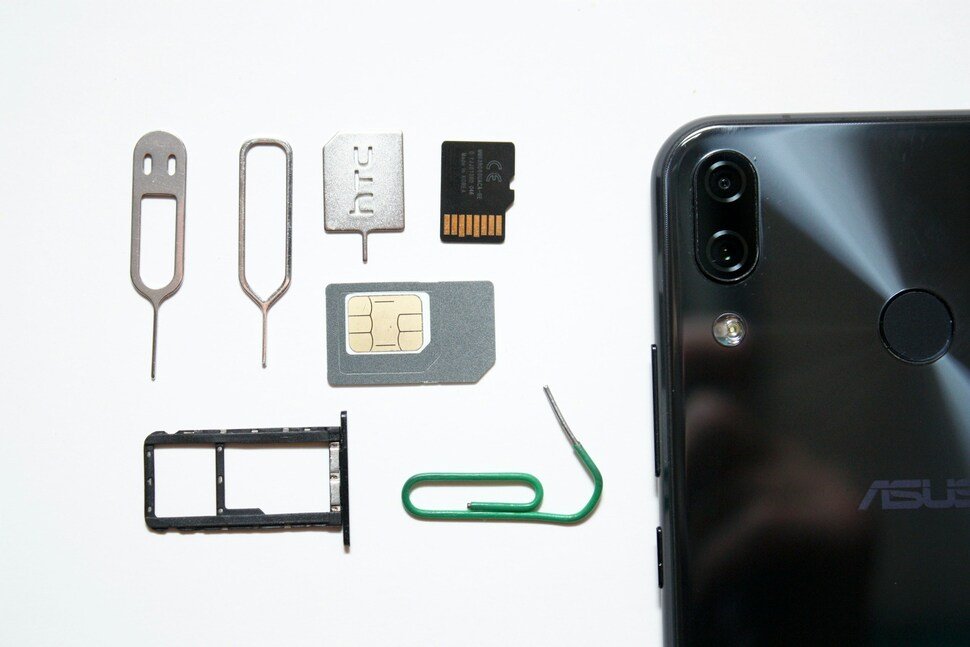
Picture this. You’re in a coffee shop, scrolling, and your phone suddenly says “No Service.” Annoying, but the Wi-Fi still works, so you shrug and blame the carrier.
Meanwhile, someone you’ve never met has just convinced your phone company that they’re you, that your phone got lost, and that your number needs to move to a new SIM card. A few minutes later they’re getting your calls and texts. Including the one-time codes your bank and email send to check that it’s really you.
So, what is a SIM swap attack? It’s when a scammer gets your carrier to move your number onto a SIM they control. There’s no clever malware involved. It mostly takes a handful of your personal details and a customer service rep who believes the story.
What This Article Covers
|
A quick note for readers outside the US: the carrier steps below use US carriers, because that’s where the protections are best documented. The idea is the same anywhere. Ask your carrier for a number lock, a SIM-change lock and an account PIN.
What Is a SIM Swap Attack?
A SIM swap, sometimes called SIM hijacking or a port-out scam, is when a scammer gets your mobile carrier to move your phone number onto a SIM they control. Your number doesn’t disappear. It just starts ringing on their phone instead of yours.
Why does that matter so much? Because your number is quietly the key to a lot of things. Plenty of services let you reset a password or approve a login by texting you a code, and whoever receives the text gets in. The FBI’s Internet Crime Complaint Center tracks SIM swapping as its own crime type and describes it as fairly simple social engineering aimed at mobile providers, not at you directly.
How a SIM Swap Happens
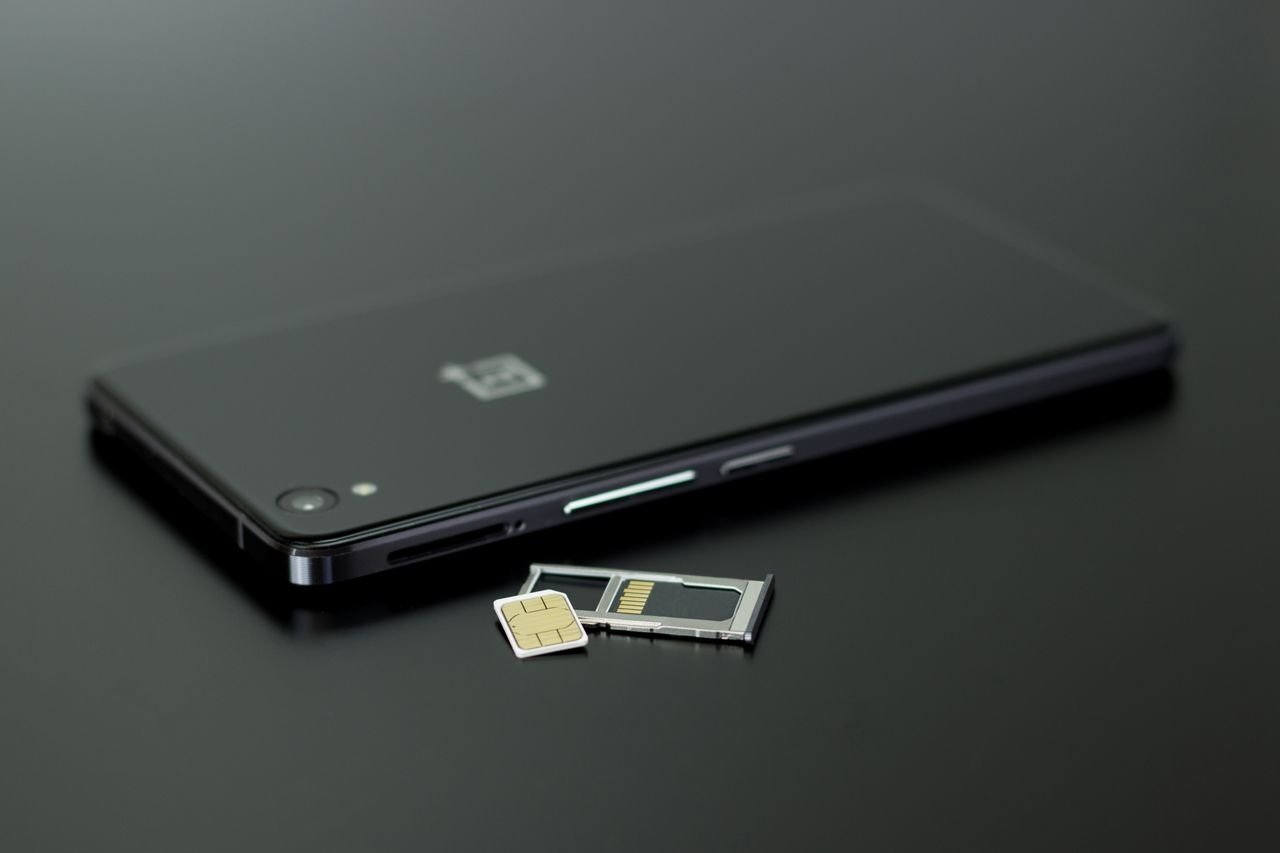 It usually goes in four steps.
- They collect your details. Name, address, date of birth, maybe part of an account number. That kind of information leaks through data breaches, phishing and public profiles. If you’ve never checked, our guide shows how to check whether your data was exposed.
- They contact your carrier pretending to be you. The FTC says scammers may call and claim your phone was lost or damaged, then ask the provider to activate a new SIM on a phone they own.
- The carrier moves your number. Your phone drops to No Service. Theirs starts getting your calls and texts.
- They go after your accounts. Email first, usually, because a hijacked inbox lets them reset almost everything else. Then banking, social media, crypto, anything that sends a code to your number.
There’s a close cousin called a port-out scam. Same goal, different route. Instead of a new SIM at your carrier, the scammer asks to transfer your number to a different carrier account they control. Verizon calls this an unauthorized port out. The protections below cover both.
Warning Signs of a SIM Swap
Speed matters here, so know what to look for.
- Sudden loss of service. Your phone says No Service or SOS only while people next to you have bars. The FCC lists loss of service as the first sign.
- A message from your carrier about a SIM change, new device or port request you didn’t ask for.
- Login codes or password-reset texts you didn’t request.
- Being locked out of your email, bank or social accounts.
- Transactions or transfers you don’t recognize.
One dead-signal moment doesn’t mean you’ve been swapped. Towers go down and phones glitch. Our guide to the signs your phone may be hacked helps you tell the difference. But if No Service shows up alongside any of the others, treat it as an emergency.
How Common Is It, Really?
Less common than you might expect, which is worth saying plainly. In the FBI’s latest annual report, covering 2025, SIM swapping drew 971 complaints and about $17.4 million in reported losses. The year before it was 982 complaints and about $26 million. In 2023 it was 1,075 complaints and about $48.8 million. For comparison, phishing and spoofing drew more than 191,000 complaints in 2025.
Two caveats. Those are complaints people chose to file, so they’re a floor, not a full count. And SIM swaps matter because of what they unlock, not how many there are. One successful swap can hand someone the keys to your email, your bank and your social accounts in one go.
Does eSIM Protect You From a SIM Swap?
Not by itself, and we’d rather say that clearly than oversell it.
An eSIM is built into your phone, so there’s no physical card to steal or pull out. That closes one door. But SIM swapping mostly targets your carrier account, not the card. A convincing caller can still ask the carrier to move your number or issue a new eSIM to a device they control. If you’ve read our guide to what an eSIM is, here’s the security footnote: does eSIM protect against SIM swapping? Only partly.
The good news is that the carrier locks below work with eSIM too. T-Mobile says you have to turn off SIM Protection before moving an eSIM to a new device, and TechRadar’s rundown of AT&T’s lock lists SIM and eSIM changes among the things it blocks.
How to Lock Down Your Number
 The best defense is a lock set at the carrier, and it’s free. There are really two protections. One stops your number from being moved to a different carrier. The other stops SIM or eSIM changes inside your current carrier. Some carriers treat them as separate switches, so turn on both.
The FCC adopted rules in late 2023 that call for secure customer authentication, immediate alerts for SIM-change and port-out requests, and the option to lock your account. How each carrier handles that varies, and nobody is going to flip the switch for you. Do it yourself.
| Carrier | Blocks port-outs | Blocks SIM/eSIM changes | Where to turn it on |
|---|---|---|---|
| Verizon | Number Lock | SIM Protection | My Verizon app or site under Security, or dial *611. Verizon says Number Lock alone doesn’t stop SIM or device changes. |
| T-Mobile | Port Out Protection | SIM Protection | T-Life or your T-Mobile account. You need both on. Only the primary account holder can remove Port Out Protection. |
| AT&T | Wireless Account Lock | Wireless Account Lock | One toggle in the myAT&T app, for postpaid consumer accounts. |
Details come from Verizon’s Number Lock FAQ, T-Mobile’s fraud-protection page and AT&T’s announcement. Menu names change, so if you can’t find a setting, search the app for “lock” or call your carrier. On prepaid or a smaller carrier? Ask what they offer, because the options differ.
Locks don’t trap you, by the way. When you want to upgrade your phone or switch carriers, turn the lock off, make the change, then turn it back on.
Other things that help:
- Set a carrier account PIN or passcode. Skip birthdays and 1234. The FCC advises asking your carrier to add a PIN or password.
- Move key accounts off text codes. The FTC says text-message verification may not stop a SIM swap and suggests an authentication app or security key instead. Start with email and banking.
- Use unique passwords. A password manager won’t stop a SIM swap on its own, but unique passwords mean fewer easy wins for anyone who gets partway in.
- Be stingy with personal details online. Your full name, address and date of birth are exactly what a scammer needs to sound like you.
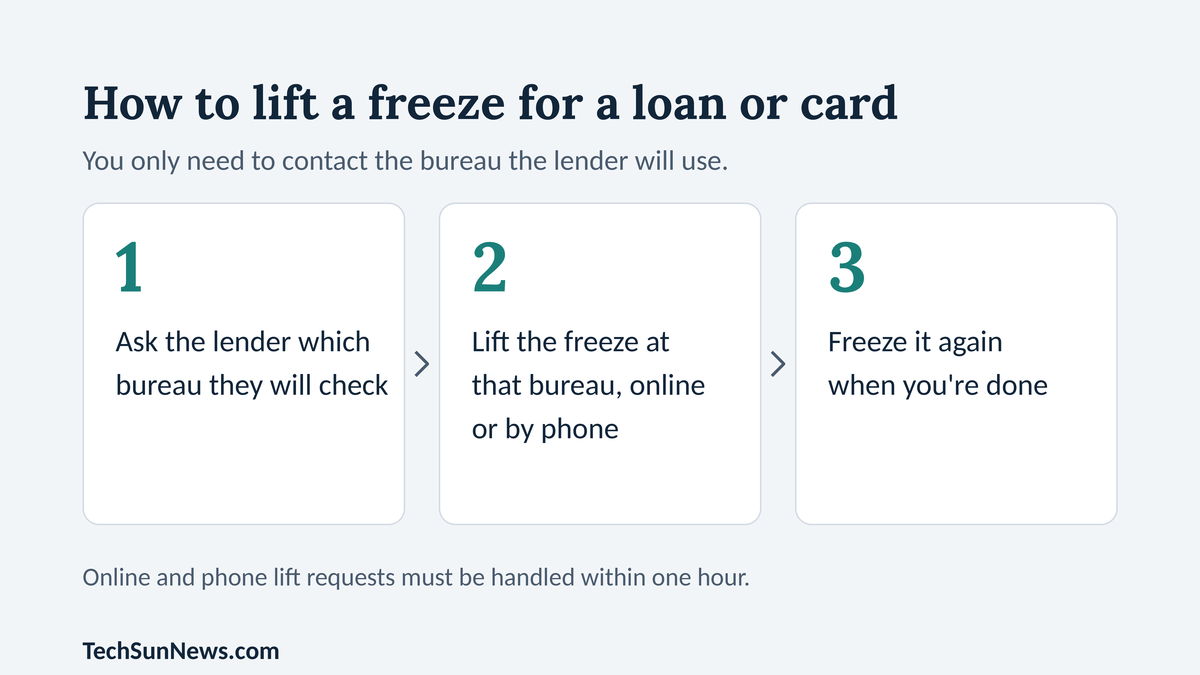
- US readers: freeze your credit too. If a scammer has enough details to pass as you with your carrier, they may have enough to try opening accounts in your name. A freeze is free and makes that harder.
What to Do If You Think You’ve Been SIM Swapped
Move fast, and work in this order.
- Call your carrier right now, from another phone or a landline. Say you think your number was hijacked, ask them to give it back, and ask them to block further SIM and port changes.
- Change your passwords, starting with email, from a device you trust. The FTC says to do this after you’ve regained control of your number.
- Call your bank and card issuers. Check recent activity and tell them what happened.
- Switch your key accounts from text codes to an authenticator app or security key.
- Report it at IdentityTheft.gov and the FBI’s IC3. If a scammer may have your Social Security or account numbers, IdentityTheft.gov walks you through next steps.
| The Bottom Line
A SIM swap is rare next to phishing, but it’s the kind of attack that opens everything else. Turn on both locks for your carrier today, add an account PIN, and move your important accounts off text-message codes. It takes a few minutes and costs nothing. |
Frequently Asked Questions
Can I still be SIM swapped if I use an eSIM?
Yes, it’s still possible. The scam targets your carrier account, and an eSIM only removes the physical card. A scammer can still try to talk the carrier into moving your number. The carrier locks above are what protect you, and they apply to eSIM changes too.
Will a carrier lock get in the way when I upgrade or switch carriers?
Only briefly. Verizon says Number Lock has to be off before a number can move, and T-Mobile says the same about Port Out Protection. Turn the lock off when you’re ready, finish the change, and turn it back on.
Is text-message two-factor authentication still worth using?
Yes, it beats a password alone. But for email, banking and other high-value accounts, the FTC suggests an authentication app or security key, because a text code may not survive a SIM swap.
Your turn: Have you turned on your carrier’s number lock yet, and was the setting easy to find? Tell us your carrier in the comments.
| Editor’s Observation
What stands out to me about SIM swaps is that you’re not the target. You can have a strong password and careful habits and still get hit, because the weak spot is a customer service process you don’t control. That’s why the carrier lock matters more than any advice about being careful online. It moves the final yes from a rep who can be talked around to a toggle only you can flip. |
Sources
- FBI IC3, 2025 Internet Crime Report
- FTC, SIM Swap Scams: How to Protect Yourself
- FCC, SIM swap tip card
- FCC, SIM swap and port-out fraud rules (press release)
- FCC, SIM swap and port-out fraud order (DA 24-649)
- Verizon, Number Lock and port-out FAQs
- T-Mobile, protect your account from fraud
- AT&T, Wireless Account Lock
- TechRadar, AT&T account lock tool


4 thoughts on “What Is a SIM Swap Attack? How Scammers Hijack Your Phone Number”