

Anamika Dey, editor
Techsunnews.com | Updated October 6, 2026 | Tech / Privacy | 6 min read
You are talking about buying new running shoes. Ten minutes later, you open Instagram and there they are running shoe ads. You never searched for them. You never typed anything. You just talked.
So. Is your phone listening to you?
The honest answer is more complicated than a simple yes or no. And honestly it is both more reassuring and more disturbing than you might expect. Let us go through it properly.
The Short Answer — Not Exactly, But Kind Of
Here is the thing. Most major apps like Facebook, Instagram, TikTok, Google do not need to listen to your microphone to know what you want to buy. They already know so much about you from everything else you do that they barely need to.
Your phone tracks:
- 📍 Every location you visit — even when apps are closed
- 🔍 Everything you search, every website you visit
- 👆 How long you look at certain content before scrolling past
- 📱 Which apps you open, when, and for how long
- 🛒 Your purchase history, your bank app activity patterns
- 🎙️ Yes — microphone access, if you have given permission
Put all of that together and an algorithm does not need to hear your conversation to know you are thinking about running shoes. It already figured that out from 50 other signals you gave it without realising.
This is actually what AI is doing to how companies profile and target you in 2026 — it is not one creepy trick, it is thousands of small data points being connected faster than any human could manage.
What Apps Are Actually Collecting Right Now
This is the part that surprises most people. You gave them permission you just did not realise what you were agreeing to.
Take WhatsApp. Most people think it is fully private because it uses end-to-end encryption. But as we covered in detail, Meta can access more of your WhatsApp data than most people know including metadata that reveals who you talk to, when, and how often. That alone paints a very detailed picture of your life.
And it is not just WhatsApp. Here is what different types of apps typically collect:
| 📊 What your apps are collecting: Social apps (Instagram, TikTok, Facebook): browsing, interests, location, contacts, microphone when active Maps & navigation (Google Maps, Waze): everywhere you go, how often, how long you stay Free games: contacts, call logs, storage, sometimes camera and mic Shopping apps: purchase intent, price sensitivity, browsing patterns Weather apps: precise location 24/7 sold to data brokers |
That last one catches people off guard every time. Weather apps are one of the biggest data collectors on your phone because location data is extremely valuable and weather apps have a legitimate reason to ask for it.
And Then There Is AI — Which Makes This Worse
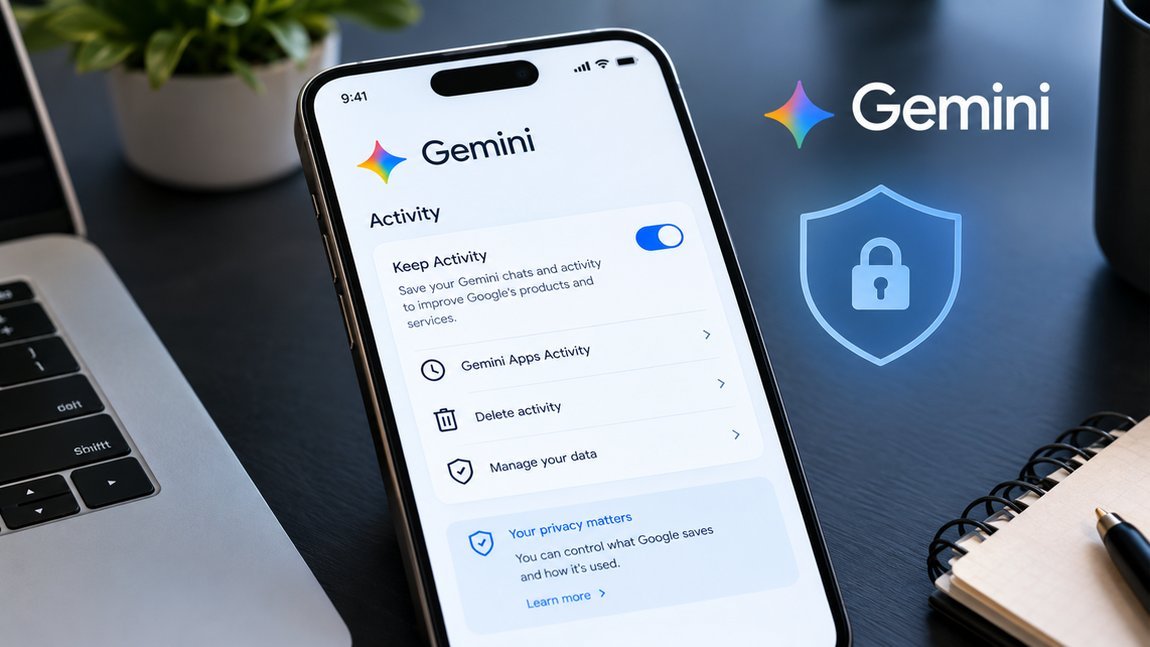
In 2026, this is not just about apps. Agentic AI tools now run in the background of your phone, accessing your calendar, emails, files, and browsing to ‘help’ you. Google’s Gemini, Apple Intelligence, and Meta AI are all doing versions of this now.
That is genuinely useful. But it also means your phone now has an AI reading your emails to summarise them, looking at your photos to tag them, and analysing your schedule to suggest things. All of that is processed somewhere.
We went deep on the side of AI tools that nobody talks about openly including what happens to the data you share with ChatGPT and other AI assistants. Worth reading if you use any of these regularly.
How to Actually Check If Your Phone Is Tracking You
Good news you can see exactly what permissions each app has. Here is how:
On iPhone:
- Go to Settings → Privacy & Security
- Tap ‘Location Services’ — see which apps have access and when
- Check Microphone, Camera, Contacts separately
- Go to Settings → Privacy & Security → Tracking — turn off ‘Allow Apps to Request to Track’
On Android:
- Go to Settings → Privacy → Permission Manager
- Check each permission category — Location, Microphone, Camera, Contacts
- Look for apps with ‘Allow all the time’ location access — that is the most aggressive setting
- Turn on ‘Remove permissions if app isn’t used’
The Electronic Frontier Foundation has a detailed guide on digital privacy rights and what is legally allowed worth bookmarking if you want to go deeper on this.
What You Can Actually Do About It
You cannot opt out of everything not if you want to use a smartphone. But you can massively reduce your exposure with a few changes that take about 20 minutes total.
- 🔒 Audit your app permissions right now revoke location access for any app that does not genuinely need it (looking at you, random flashlight apps)
- 🛡️ Use a VPN especially on public Wi-Fi, it encrypts your traffic so your internet provider and other snoopers cannot see what you are doing. We tested and ranked the best ones here: Best VPN for Privacy 2026.
- 🦠 Run an antivirus scan — spyware and stalkerware are real on Android especially. Our 2026 antivirus guide covers the best free and paid options. Not sure if something is wrong? Here are the signs your phone may be hacked.
- 🔕 Turn off microphone access for any app that does not need it social media apps do not need your mic unless you are recording video
- 📍 Switch location to ‘Only while using’ for most apps not ‘Always’
- 🌐 Use a privacy browser — Firefox with uBlock Origin, or Brave, instead of Chrome for general browsing
- While you’re tightening up your phone’s privacy, lock down your logins too:🔑 passkeys let you sign in without a password that can leak.
And if you want the full picture of how AI is reshaping privacy more broadly — including why small websites and content creators are losing traffic to AI data collection — we have been covering this closely.
Understanding what AI tools like ChatGPT actually do with your data is a good place to start if all of this feels overwhelming. Knowledge is the first step.
FAQ
1. Is my phone actually listening to my conversations?
Almost certainly not in real-time — the processing power that would require is enormous and would drain your battery fast. But your phone is collecting so many other signals that it often does not need to. What feels like your phone listening is usually your phone already knowing your habits, location patterns, and interests well enough to predict what you want before you search for it. If you want to be safe revoke microphone access from social apps you are not actively using.
2. Is iPhone more private than Android?
Generally yes, but not perfectly. Apple limits third-party app tracking more aggressively and processes more data on-device rather than sending it to servers. Apple’s privacy page explains their approach in detail. Android gives you more control over individual permissions, but Google’s own data collection is extensive. Neither is fully private they just have different trade-offs.
3. Can I stop my phone from tracking me completely?
Not completely not if you want to use apps and stay connected. But you can get close. The combination of a good VPN, restricted app permissions, a privacy browser, and regular security scans cuts your data exposure dramatically. Check our guides on the best VPN for privacy and best antivirus software for the practical tools that actually make a difference.
| 💬 We Want to Know: Have you ever had that creepy moment where your phone seemed to know exactly what you were just talking about? Drop your experience in the comments what happened, what app do you think was responsible, and have you changed any permissions since? You might be surprised how many people have the exact same story. |
techsunnews.com | Tech / Privacy / Security | © 2026



13 thoughts on “Is Your Phone Spying on You? Here’s the Honest Truth”