By TechsunNews.com | October 28, 2026 | security / privacy
You pull into a parking space. You’re already late. The payment machine has a QR code on it that says “scan to pay,” so you point your phone at it, a page opens, and it asks for your card number. It looks fine. You’re in a hurry, so you type.
Now picture the same machine, except the QR code is a sticker someone placed over the real one that morning. That’s the whole trick. The code itself isn’t clever. The trust you have in the place it’s printed is what gets used against you.
This guide covers how fake QR codes work, seven warning signs that are easy to remember, how to scan safely, and what to do if you already scanned one.
| What This Article Covers
How QR code scams (often called “quishing”) work and where they turn up Seven warning signs that a QR code may be fake How to scan safely, and why you don’t need a scanner app What to do, step by step, if you already scanned one |
What Is a Fake QR Code Scam?
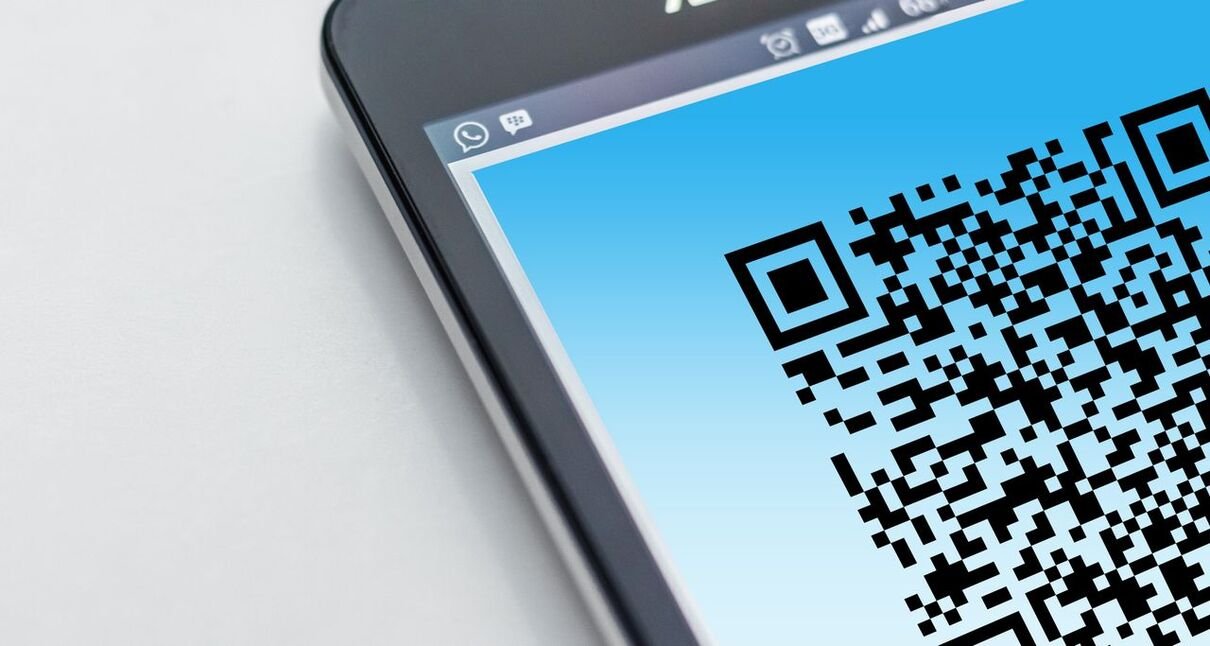
A QR code is just a link drawn as a square. Scan it with your camera and your phone opens whatever address is hidden inside. That’s why scammers like them: you can’t read the link by looking at the pattern, so you have to trust it.
Scams that use QR codes are often called “quishing,” a mash-up of QR and phishing. The FBI put out a public service announcement in January 2022 saying criminals tamper with both digital and physical codes, and that a tampered code can send you to a site built to steal login and financial details, install malware, or redirect a payment. The same warning is careful to point out that QR codes themselves aren’t malicious. The problem is where the code takes you.
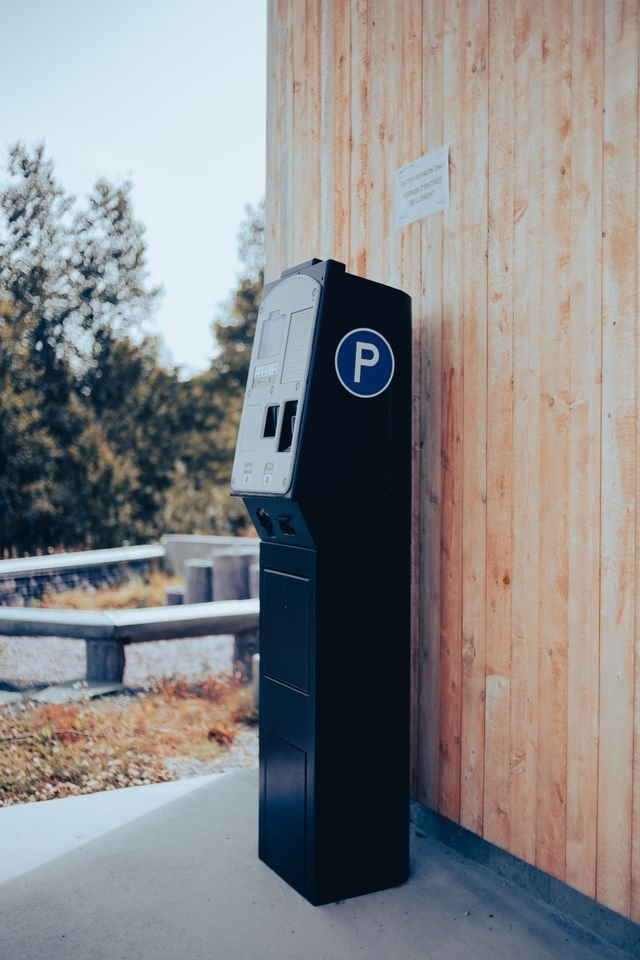
The US Federal Trade Commission described the same pattern in a consumer alert from December 2023: scammers cover real codes on parking meters with their own, and they send codes by text or email with a made-up reason to scan them. It repeated the parking-meter warning in a September 2026 alert.
Where Fake QR Codes Show Up
They’re not hiding in strange corners of the internet. They’re in everyday places, and that’s the point.
| Where you’ll see it | What the scam tries to do | What to do instead |
| Parking machines and meters | A sticker with a scammer’s code is placed over the real one, so a “pay here” scan goes somewhere else. | Look for the sticker edge. Use the operator’s official app or website instead. |
| Text messages and emails | A code arrives with a made-up reason: missed delivery, an account problem, “suspicious activity”. | Don’t scan it. Contact the company through a phone number or site you already know. |
| Payment codes | A tampered code can redirect a payment or lead to a page that asks for your login or card details. | Check who the payee is before you confirm. Never type card details on a page you reached by surprise. |
| Marketplace and “verify” emails | A seller is sent a code to “verify the account” or “receive payment”. | Log in by typing the site address yourself, not through the code. |
UK numbers give a sense of scale, even though they’re not US figures. Action Fraud, the UK’s fraud reporting centre, said it received 784 quishing reports between April 2024 and April 2025, with almost £3.5 million lost, and that car parks were the most common place, as reported by The Independent. Reports are only the cases people filed, so the real picture is probably bigger, but I wouldn’t try to guess by how much.
7 Warning Signs of a Fake QR Code
None of these proves a code is fake on its own. Two or three together should make you stop.
- It looks stuck on top of something else. Check the edges. A peeling corner, a bump, or a sticker that doesn’t match the sign around it is a classic sign of tampering, and it’s the main trick the FTC and Action Fraud both describe on parking machines.
- It showed up in a message you weren’t expecting. The FTC’s advice is simple: don’t scan a QR code in an email or text you weren’t expecting, especially if it pushes you to act quickly.
- There’s a rush attached. The FTC lists the usual stories: a package that couldn’t be delivered, a problem with your account, or “suspicious activity” that needs a password change. The urgency is there so you scan before you think.
- The web address looks off. After you scan, your phone usually shows the address before it opens. Read it. The FTC says to look for misspellings or a switched letter, for example “rn” passing for an “m.”
- The page asks for your login or card details straight away. The FBI warns that tampered codes lead to sites that prompt for login and financial information. A page you reached by surprise shouldn’t be where you type either one.
- It wants you to install something. The FBI says not to download an app from a QR code. If the page starts a download, close it.
- There’s nothing else around it to confirm it’s real. This one is my own rule of thumb, not an official list item. A genuine business usually prints its name or web address somewhere nearby. A lone code on a blank sticker, with nothing to cross-check, is worth skipping.
How to Scan a QR Code Safely
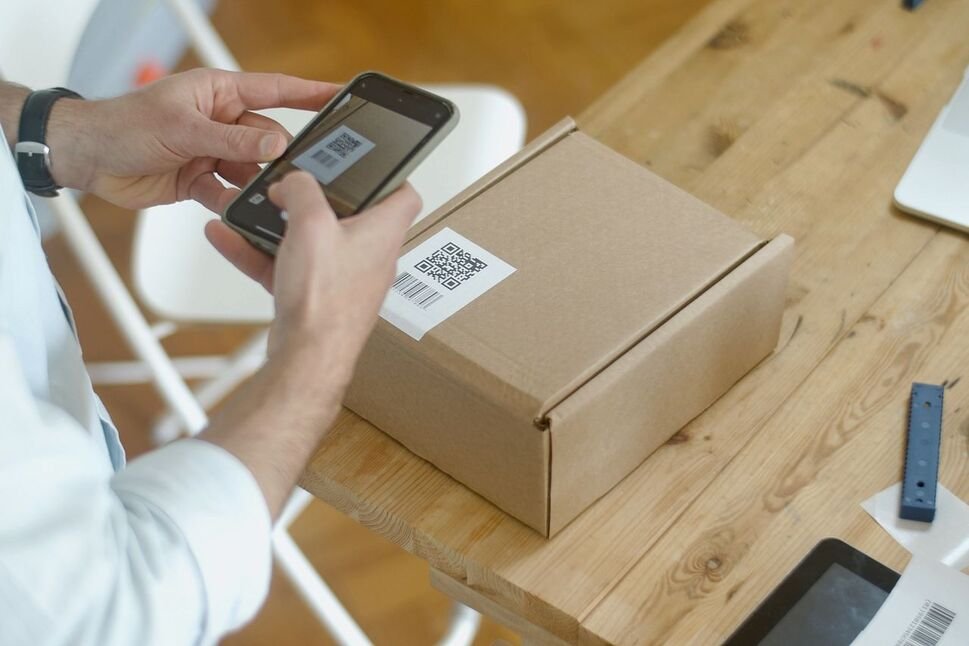
- Use your phone’s own camera, and read the address it shows before you open anything. The FBI’s advice is not to download a QR code scanner app, and the FTC notes that many readers preview the link first. If it’s not a site you recognise, don’t open it.
- When in doubt, go around the code. Action Fraud’s advice is to find the official site or app with a search engine, then pay or log in there.
- Keep your phone and accounts protected. The FTC recommends updating your phone’s operating system and using strong passwords with multi-factor authentication. A password manager helps here, because it usually only offers to fill in a login on the address it saved, so a lookalike page is easier to notice.
What to Do If You Already Scanned a Fake QR Code
Don’t panic. Scanning a code doesn’t automatically mean your phone is infected. What matters is what happened after the scan. Go through these in order.
- Close the page, don’t type anything, and don’t contact anyone through it. The FTC warns that reaching out to a fake site can lead to demands for money or sensitive details. If you only scanned and nothing else happened, that’s the best case, but the FTC does warn that a scam code can lead to malware, so treat anything odd as a reason to keep going down this list.
- If you entered a password, change it on the real site right away, and change it anywhere else you used the same one. Turn on multi-factor authentication. If you’re not sure whether your details have already been exposed, our guide to checking whether your data has been leaked can help.
- If you entered card details or paid, call your bank or card issuer straight away, then go through your recent card and bank statements for charges you didn’t make. Speed matters, because the FBI says law enforcement can’t guarantee that lost funds will be recovered.
- If something installed, remove any app you don’t recognise, update your phone, and check your device security, because removing one app may not clear a compromise. Our guide to signs your phone has been hacked walks through that.
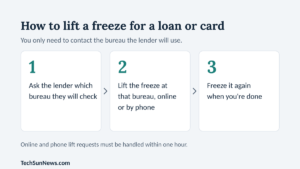
- If you gave out ID numbers (this applies to US readers), consider a credit freeze. Here’s how to freeze your credit.
- Report it. In the US, use the FTC at ReportFraud.ftc.gov, and the FBI asks victims to report to its Internet Crime Complaint Center. In the UK, report to Action Fraud.
| Reading this from outside the US?
The advice above applies anywhere. Contact your bank first if money or card details are involved, then report the scam to your country’s police cybercrime unit or consumer protection agency. The reporting sites in this article are US and UK ones. |
| The Bottom Line
A QR code is only a link in disguise. Before you scan one, ask where it is, who put it there, and what it’s asking you to do next. If you can’t answer the first two, or the third involves hurrying, skip it and go to the official site yourself. It takes thirty seconds and it beats any cleanup. |
FAQs
Can a fake QR code hack my phone just by scanning it?
Usually a scan only opens a web address. The danger is what the page asks you to do or install. The FTC does warn that a scam code could lead to malware, so if a page behaves oddly, starts a download, or asks for a login you weren’t expecting, close it.
Are QR codes at restaurants and cafes safe?
Action Fraud’s guidance says codes in places like pubs and restaurants are usually safe, while open spaces such as car parks and stations carry more risk. Even so, glance at the edges for a sticker, and read the address before you enter anything.
Do I need a QR code scanner app?
No. The FBI advises against downloading a QR code scanner app. Your phone’s camera can read QR codes, and that’s the safer option.
Your turn: have you ever spotted a QR code that felt wrong? Tell us where you saw it in the comments, because other readers may run into the same one.
| Editor’s Observation
The more I read about this, the less I think the code is the problem. A QR code is a link you can’t read, and we’ve been trained to trust the square because it’s printed on something official-looking. I’d like to see businesses print their web address in plain text next to every code, and I’d like parking operators to say clearly whether they accept QR payments at all. Until then, the habit that helps most is a small one: if a code makes you hurry, slow down. |
Sources
- FTC Consumer Alert: Scammers hide harmful links in QR codes to steal your information (December 2023)
- FBI IC3 PSA: Cybercriminals Tampering with QR Codes to Steal Victim Funds (January 2022)
- FTC Consumer Alert: See a QR code parked somewhere? Don’t scan it…yet! (September 2026)
- The Independent (via AOL): report on Action Fraud’s quishing alert